
For Fashion Designers

Digitize your Patterns
in Minutes, not Hours

Speed up your Illustrator workflow with PatternScan Pro and focus on what you love - designing.

Photograph your paper pattern and get an automatically scaled digital version.

  • Export to Illustrator or CAD Software
  • Build your digital pattern library
  • Collaborate remotely
  • Make creative paper workflows efficient
Video Tutorial

Fashion Illustrator

Textile Designer

Fashion Entrepreneur

Fashion Educator

Pattern Maker

Production Studio

Technical Designer

Costume Designer

Sustainable Fashion Brand

Digital Pattern Designer

Sample Maker

Small Fashion Label

Fashion Student

Sewing Educator

Indie Pattern Designer

Apparel Designer

Independent Fashion Designer

Made for You

Textile Designer

Technical Designer

Sustainable Fashion Brand

Small Fashion Label

Sewing Educator

Sample Maker

Production Studio

Pattern Maker

Indie Pattern Designer

Independent Fashion Designer

Fashion Student

Fashion Illustrator

Fashion Entrepreneur

Fashion Educator

Digital Pattern Designer

Costume Designer

Apparel Designer

Digitizing Pattern took Ages

Not because it was complicated... just full of repetitive manual steps that added up.

1. Manually fixing perspective distortion

2. Scaling the pattern by hand

3. Tracing every line

4. No visible measurements

PatternScan Pro does it for You

No long process just a super fast workflow.

Automatic Perspective Correction

Automatic Scaling

Automatic Tracing

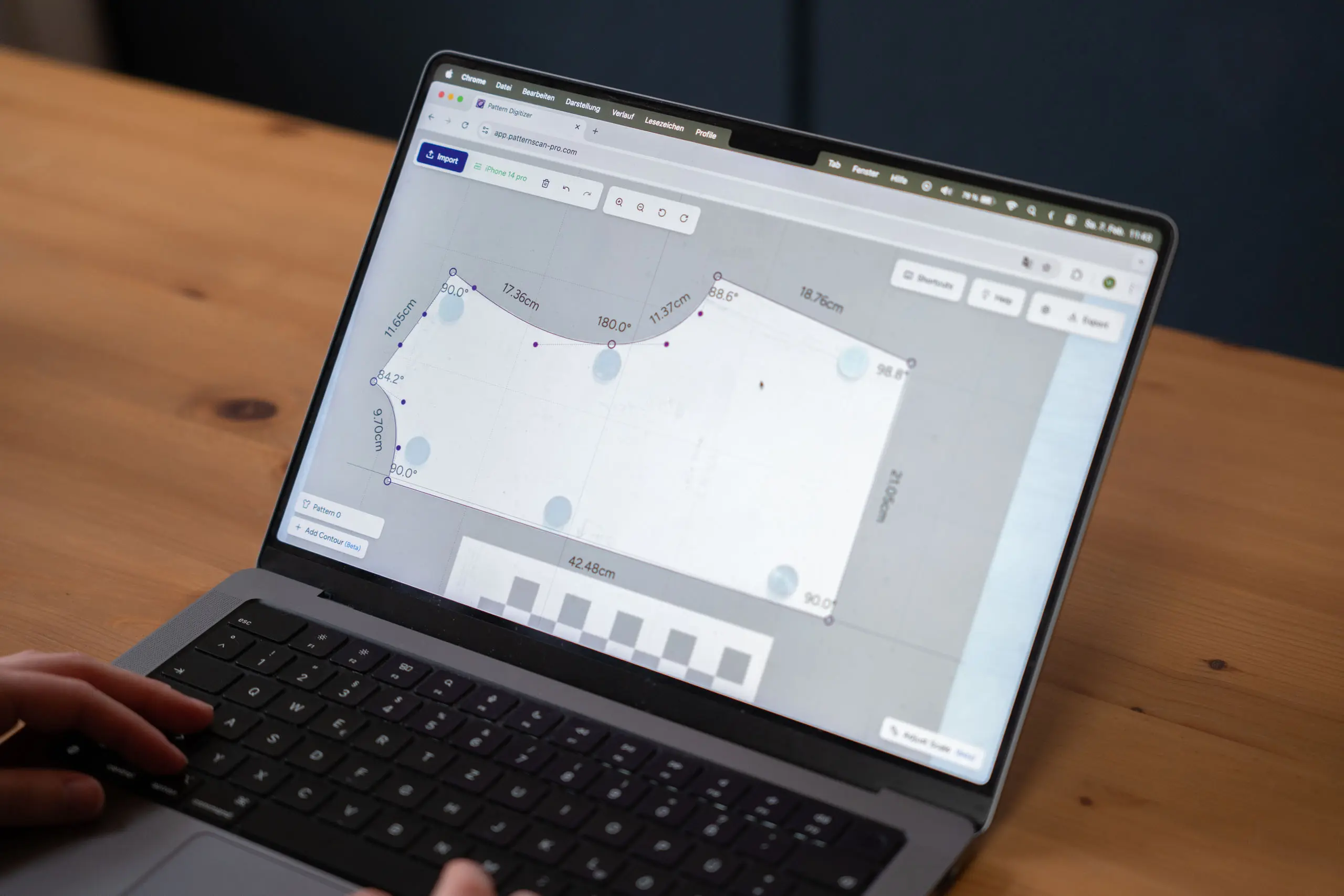
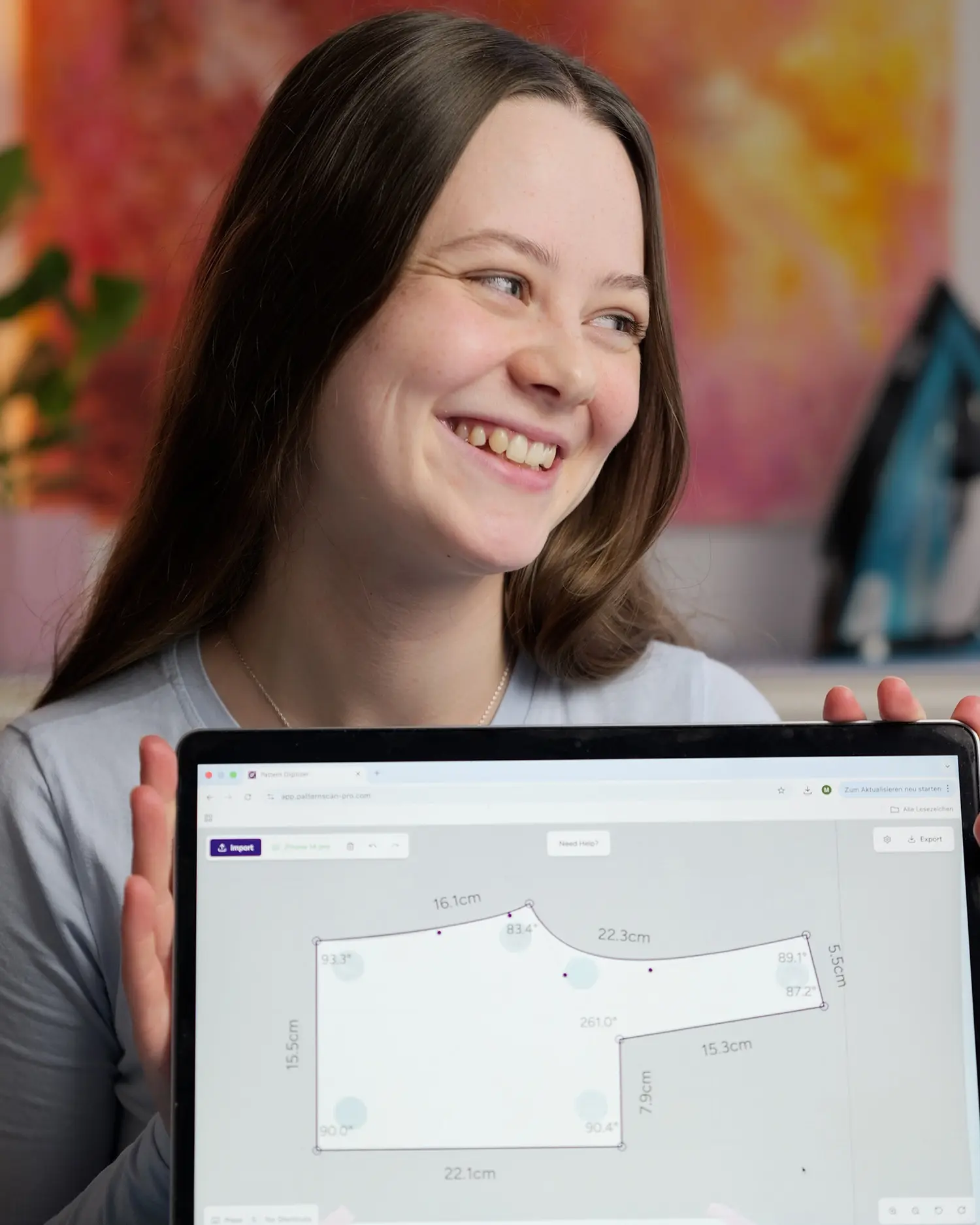
Real-time length and angle measurements

Your new Digitizing Workflow

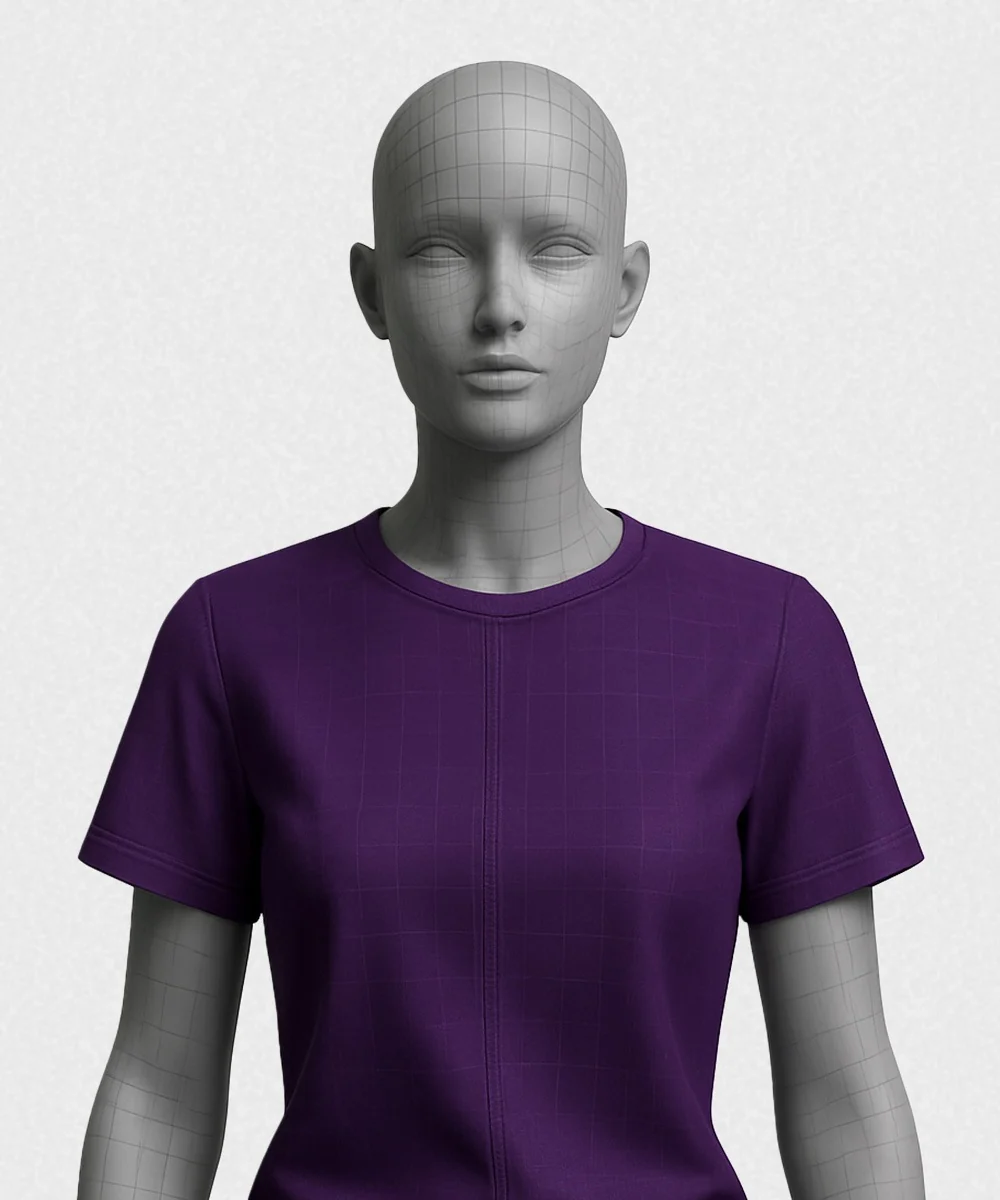
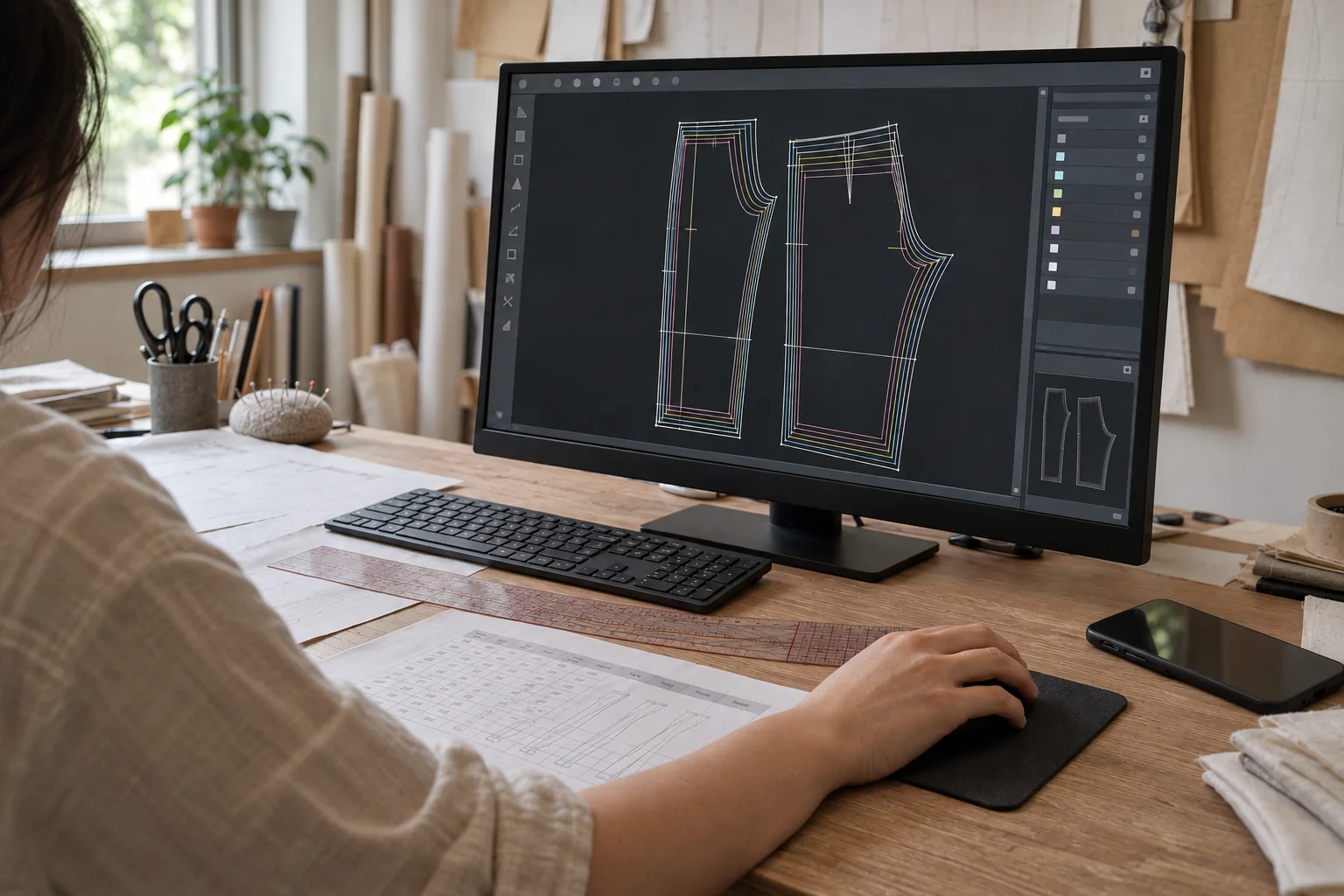
PatternScan Pro handles distortion correction, scaling, and contour detection automatically. Go straight from photo to usable digital pattern.

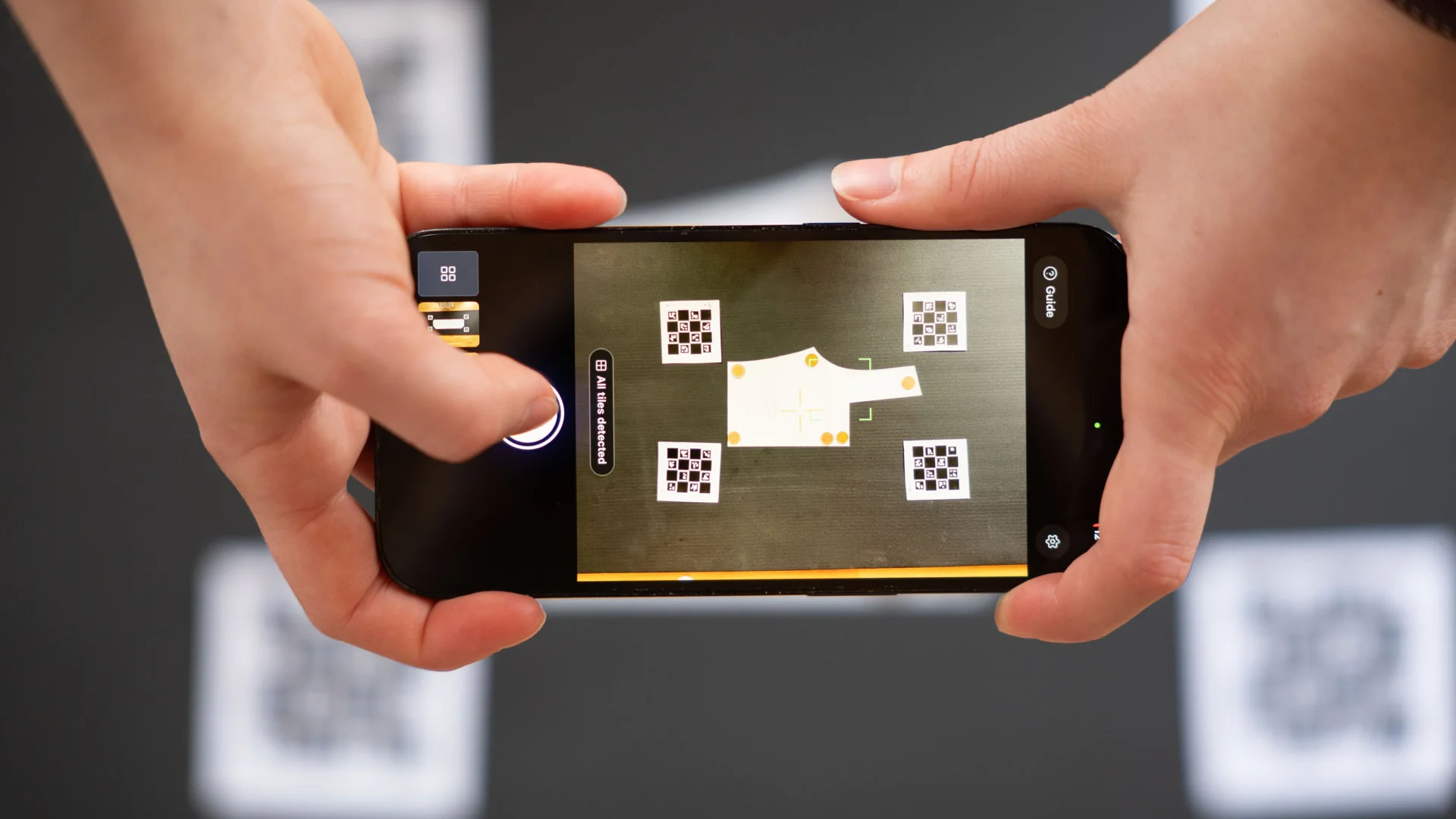
Photograph Your Pattern

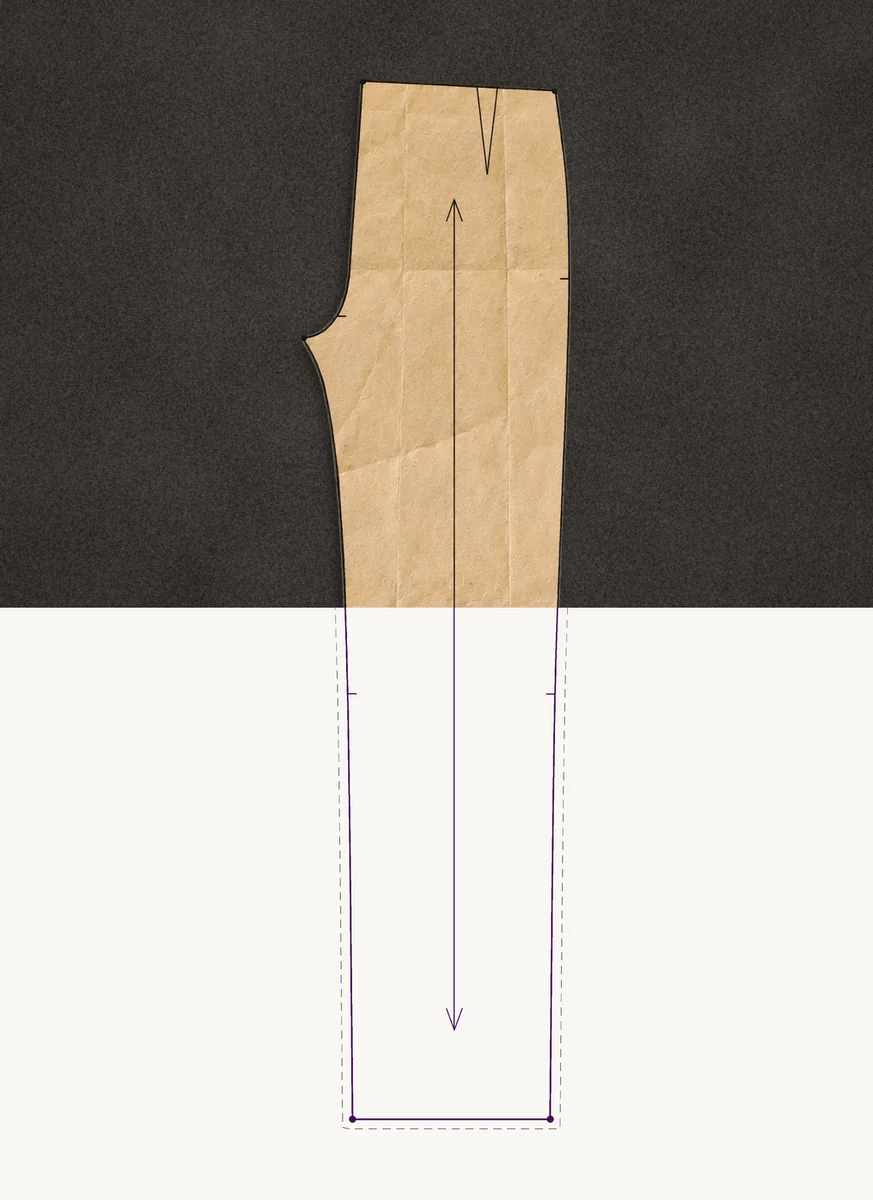
Place your pattern on a dark surface and photograph it from above. PatternScan Pro uses the checkerboard reference to automatically scale and correct perspective.

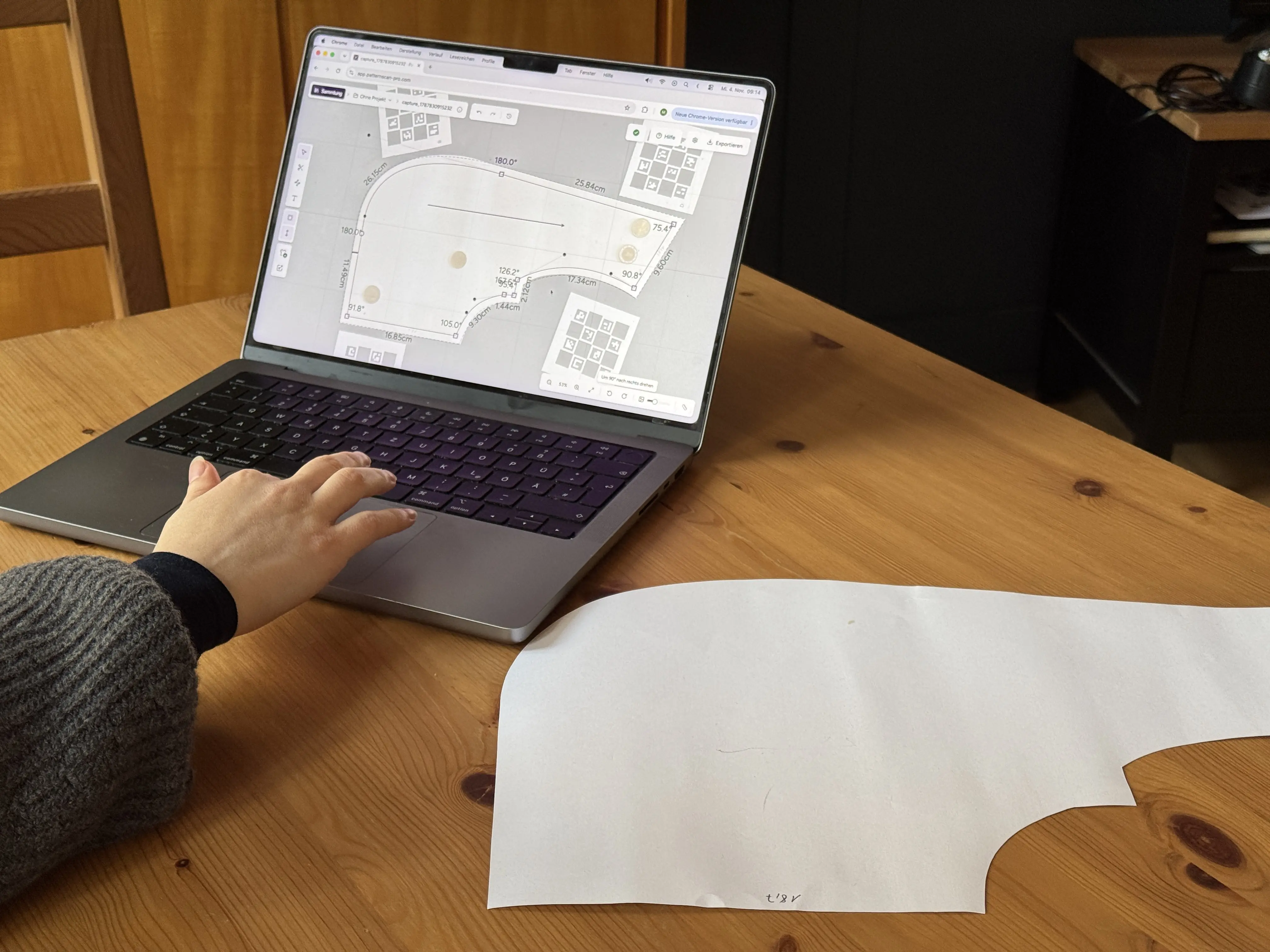
Automatic Contour Detection

No manual tracing needed. PatternScan Pro detects pattern contours automatically. Adjust individual control points if needed. All lengths and angles display in real time.

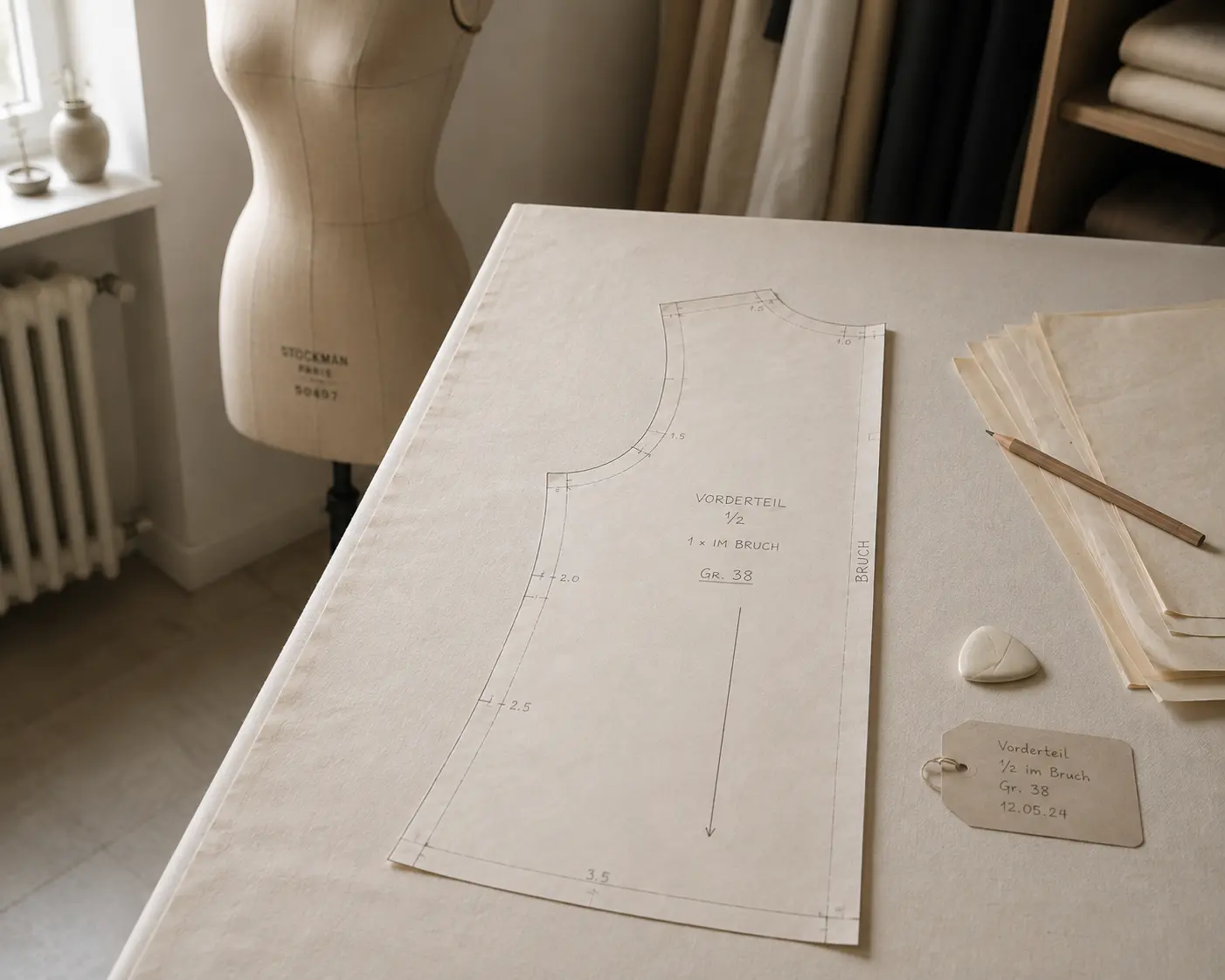
Your digitized Pattern is Ready

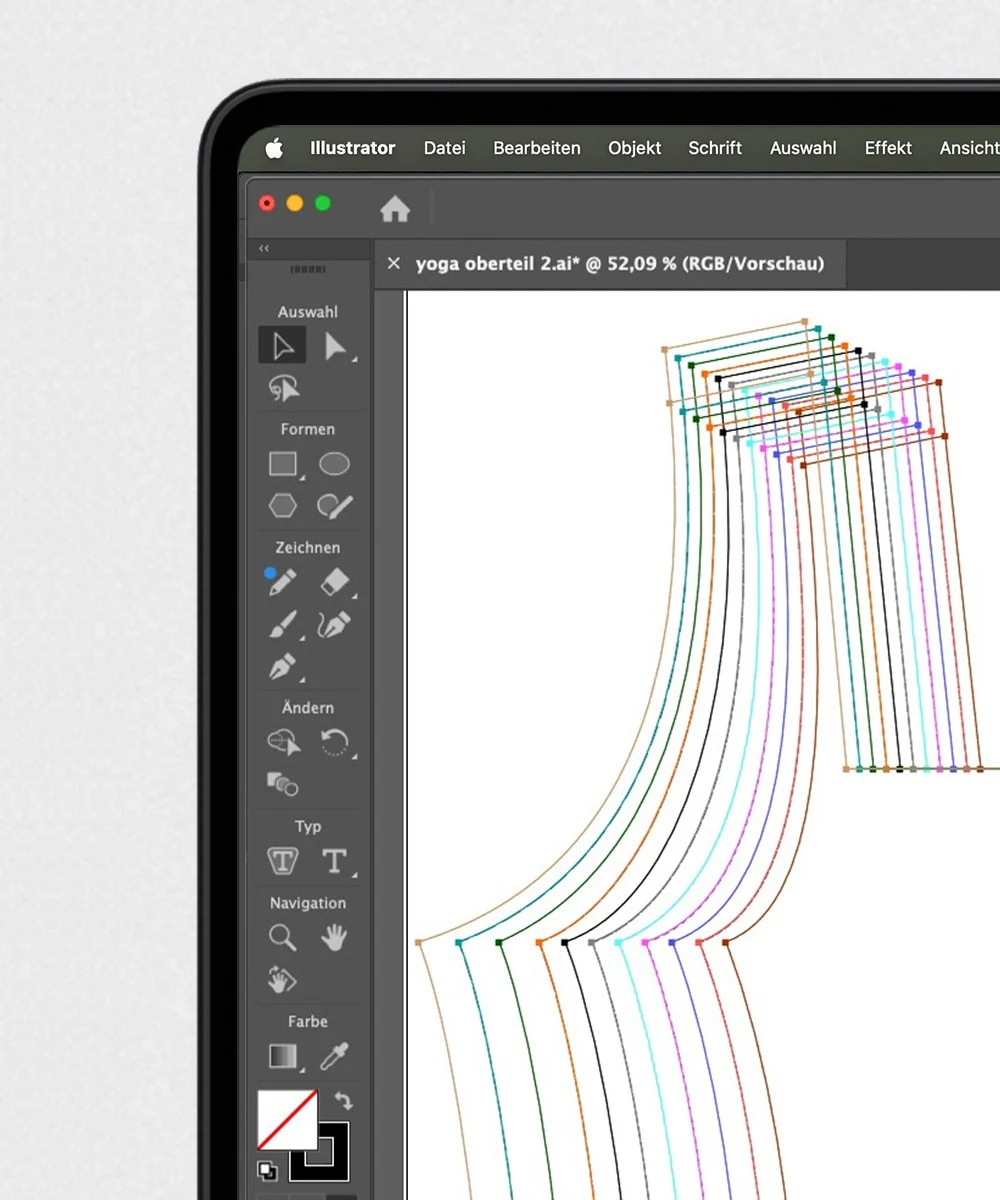
Export with one click as SVG, DXF, or PACX.
Ready for Illustrator, Grafis, CLO3D, and other CAD software.
PatternScan Pro in Action

This tutorial shows how to digitize your pattern and use PatternScan Pro's editing features.

If you need more information check out our guides on how to use the app.

Speed up your Pattern Making

From individuals to large teams – there's a plan for everyone.

How large is your Team?

One Person

Solo

For hobbyists and small creators without a team or employees.

9
/month

Per month billed monthly.

6
/month

Per month billed yearly. Equals 72€/year.

Per month billed monthly.
Switch to yearly anytime.

Monthly
  • Unlimited digitizations
  • Camera calibration
  • All export formats

2 - 9 People

Atelier

For small teams of up to nine people.

19
/month

Per month billed monthly.

12
/month

Per month billed yearly. Equals 144€/year.

Per month billed monthly.
Switch to yearly anytime.

Monthly
  • Unlimited digitizations
  • Camera calibration
  • All export formats
  • Priority email support

10+ People

Enterprise

For Companies with ten or more Employees

49
/month

Per month billed monthly.

36
/month

Per month billed yearly. Equals 432€/year.

Per month billed monthly.
Switch to yearly anytime.

Monthly
  • Unlimited digitizations
  • Camera calibration
  • All export formats
  • Priority email support
  • Personal Onboarding
Student Discount

Get 50% of the Solo Plan as active Student. Just send us an e-mail from your university mail account.

Per month billed monthly. Switch to yearly anytime.

Monthly

Questions & Answers

Have more questions? Feel free to contact us.

What is PatternScan Pro and who is it for?

PatternScan Pro is a web app for automatic digitization of paper sewing patterns. It is built for pattern makers, ateliers and fashion designers who work between paper and digital, and for everyone who wants their paper patterns as precise digital files.

Guide: Creating a Calibration Profile

Learn how to create accurate calibration profiles

Guide: Print and Use Reference

Learn how to use the reference correctly

Guide: How to Photograph Your Pattern

Complete step-by-step instructions

How do I get started with PatternScan Pro?

Getting started is easy: create an account, print the Reference Tiles, photograph your pattern with PatternScan Pro Mobile or upload photos on the desktop together with a calibration profile, let it digitize automatically, and export it in your preferred format.

Guide: Creating a Calibration Profile

Learn how to create accurate calibration profiles

Guide: Print and Use Reference

Learn how to use the reference correctly

Guide: How to Photograph Your Pattern

Complete step-by-step instructions

Which image formats and file sizes are supported?

PatternScan Pro accepts the most common image formats JPEG, PNG, and HEIC. The maximum file size is 15 MB, and image dimensions should be between 300 and 10,000 pixels.

Guide: Creating a Calibration Profile

Learn how to create accurate calibration profiles

Guide: Print and Use Reference

Learn how to use the reference correctly

Guide: How to Photograph Your Pattern

Complete step-by-step instructions

Do I need special equipment or is my smartphone enough?

Your smartphone is perfectly sufficient! For professional workflows, you can optionally use a DSLR camera, but for most use cases, a modern smartphone already delivers excellent results.

Guide: Creating a Calibration Profile

Learn how to create accurate calibration profiles

Guide: Print and Use Reference

Learn how to use the reference correctly

Guide: How to Photograph Your Pattern

Complete step-by-step instructions

Do I need additional paid software to use my patterns?

No, you don't need any additional paid software! PatternScan Pro automatically creates export-ready files that you can download and use directly. PNG files can be used as schematics, and SVGs can be printed or opened in free programs like Inkscape or Affinity. Only if you want to further edit your patterns in professional software like CLO3D or Grafis, you simply choose the appropriate format when exporting.

Guide: Creating a Calibration Profile

Learn how to create accurate calibration profiles

Guide: Print and Use Reference

Learn how to use the reference correctly

Guide: How to Photograph Your Pattern

Complete step-by-step instructions

How do I photograph my pattern for best results?

For optimal results, ensure even lighting without harsh shadows, lay your light pattern on a dark, even surface, place the four Reference Tiles around it and photograph from directly above so the perspective is correct.

Guide: Creating a Calibration Profile

Learn how to create accurate calibration profiles

Guide: Print and Use Reference

Learn how to use the reference correctly

Guide: How to Photograph Your Pattern

Complete step-by-step instructions

What are the Reference Tiles and the checkerboard for?

PatternScan Pro uses two printed references. The four Reference Tiles frame your pattern in every photo and give the app its exact scale. The checkerboard reference is only used once, to create a calibration profile for desktop uploads. Our reference guide explains both.

Guide: Creating a Calibration Profile

Learn how to create accurate calibration profiles

Guide: Print and Use Reference

Learn how to use the reference correctly

Guide: How to Photograph Your Pattern

Complete step-by-step instructions

How accurate are the digitized patterns?

The accuracy depends on the quality of your photos (lighting, sharpness and perspective) and on all four Reference Tiles lying flat and fully visible around your pattern. For desktop uploads, a well-made calibration profile matters too. Done right, your patterns are true to scale in millimeters.

Guide: Creating a Calibration Profile

Learn how to create accurate calibration profiles

Guide: Print and Use Reference

Learn how to use the reference correctly

Guide: How to Photograph Your Pattern

Complete step-by-step instructions

Do I need to create a separate calibration profile for each smartphone/camera?

Yes, each device has different optical properties such as focal length and distortion, which is why a separate profile is necessary for each device. Once created, your profile is permanently usable. Note: you only need a calibration profile for desktop uploads. PatternScan Pro Mobile works without one.

Guide: Creating a Calibration Profile

Learn how to create accurate calibration profiles

Guide: Print and Use Reference

Learn how to use the reference correctly

Guide: How to Photograph Your Pattern

Complete step-by-step instructions

Can I edit the detected contours afterwards?

Absolutely! PatternScan Pro offers comprehensive editing capabilities. You can precisely adjust Bezier curves with control points, add seam allowances and notches, measure lengths and angles with the measurement tools, and use the undo/redo function at any time to reverse or restore changes.

Guide: Creating a Calibration Profile

Learn how to create accurate calibration profiles

Guide: Print and Use Reference

Learn how to use the reference correctly

Guide: How to Photograph Your Pattern

Complete step-by-step instructions

In which formats can I export my patterns?

PatternScan Pro supports four professional export formats. SVG is ideal as a vector graphic for Affinity, Illustrator or Inkscape, PNG works as a raster image format for presentations and documentation, DXF is the universal CAD format for programs like Grafis, AutoCAD, or Lectra, and PACX is the native CLO3D format with fully editable curves.

Guide: Creating a Calibration Profile

Learn how to create accurate calibration profiles

Guide: Print and Use Reference

Learn how to use the reference correctly

Guide: How to Photograph Your Pattern

Complete step-by-step instructions

My pattern isn't being recognized correctly, what can I do?

If your pattern isn't being recognized correctly, it's usually due to photo quality. Ensure even lighting without harsh shadows, use a dark, high-contrast background, avoid blurry or shaky photos, and make sure all four Reference Tiles are fully visible in the image. Please contact us if you need support.

Guide: Creating a Calibration Profile

Learn how to create accurate calibration profiles

Guide: Print and Use Reference

Learn how to use the reference correctly

Guide: How to Photograph Your Pattern

Complete step-by-step instructions

Which browsers are supported?

PatternScan Pro works with all current browsers, including Chrome, Firefox, Edge and Safari. You can use macOS, Windows or Linux. If a browser is ever not supported, you'll automatically see a warning.

Guide: Creating a Calibration Profile

Learn how to create accurate calibration profiles

Guide: Print and Use Reference

Learn how to use the reference correctly

Guide: How to Photograph Your Pattern

Complete step-by-step instructions

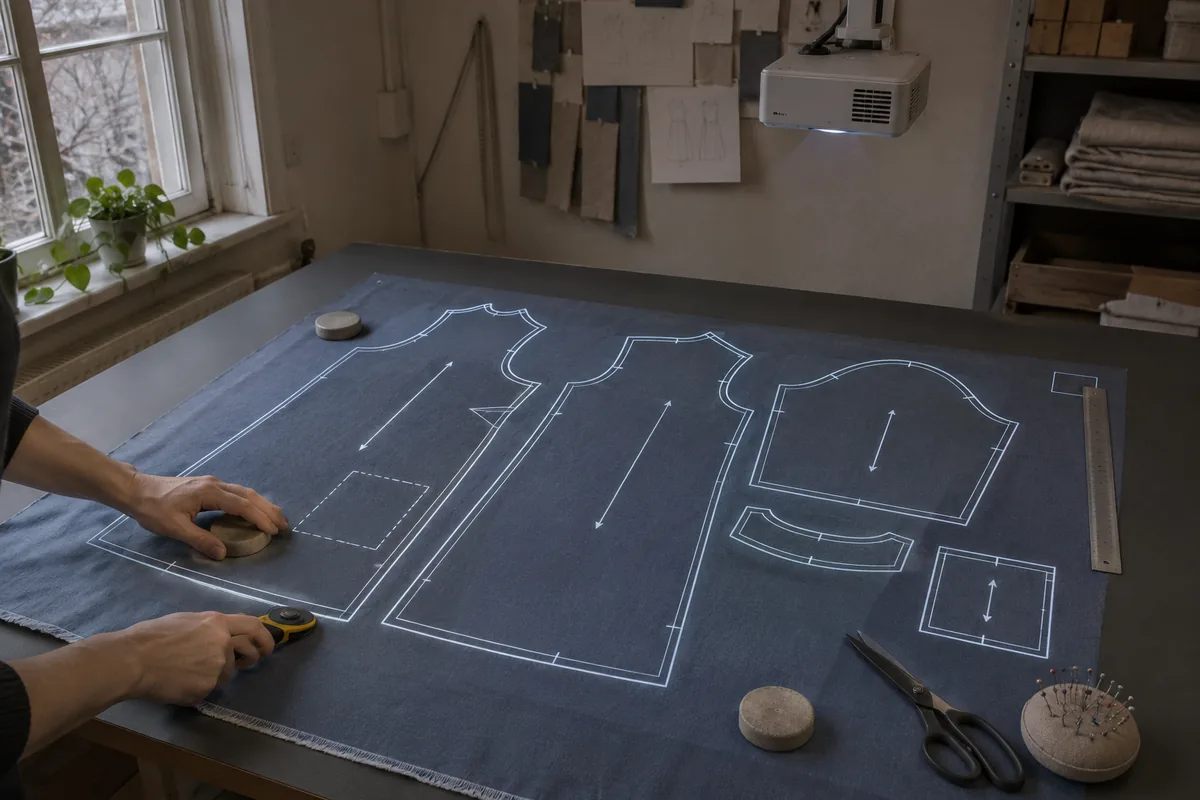
Made-to-measure sewing pattern with tailoring tools

Digitize sewing patterns without tracing.

Test PatternScan Pro free for 14 days with the full feature set. You need your smartphone, a printer and one pattern you always wanted digital.

Support?